
Videostrong Technology Explained: Google’s Ban, the XCPE Botnet and What MECOOL Box Owners Should Do (2026)

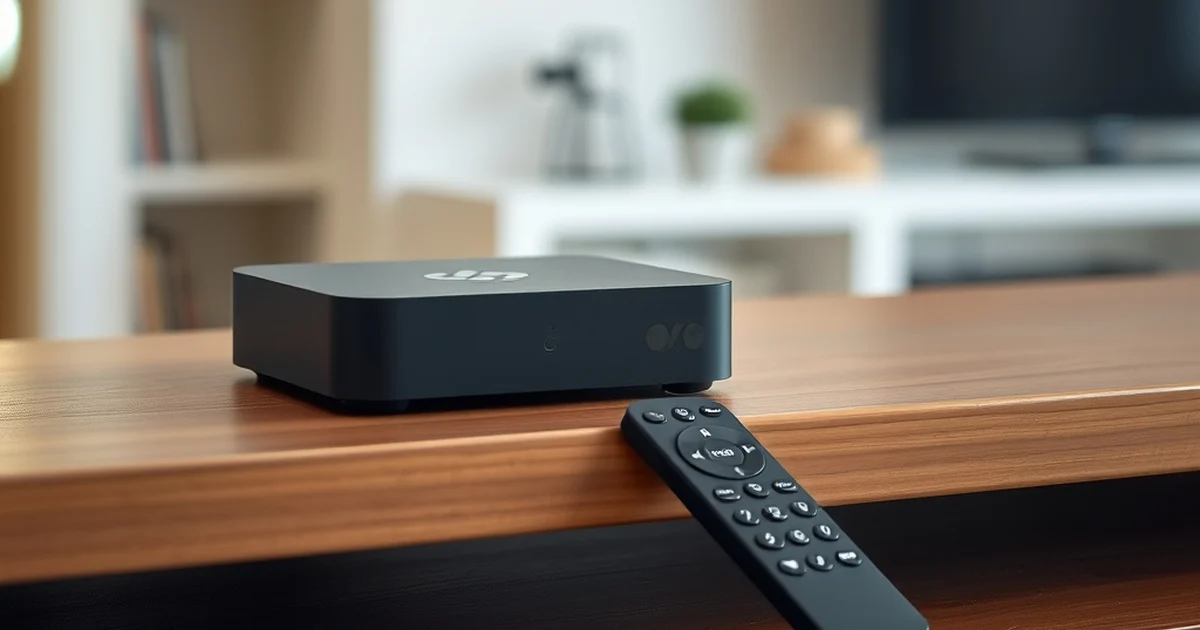
TL;DR: Videostrong Technology and the Google Ban
- Who they are: Videostrong Technology is a Shenzhen company founded in 1998 that sells Android TV boxes, including under the MECOOL brand (Android TV Guide).
- What happened: on 2 November 2026 Google announced it had cut ties with Videostrong, taken legal action to block the servers and domains behind a botnet called XCPE, and barred Videostrong and its subsidiaries from selling certified Android devices (9to5Google).
- The allegation: Google says the malware was built into many device models and brands over several years and that this did not look like an isolated insider act or an oversight.
- Scale: reporting based on Google’s findings says more than 1.3 million boxes were enrolled, and that cutting off the control domains also affects at least 10 million more compromised devices.
- What to do: if you own a MECOOL or other no-name Android TV box, check whether it is Play Protect certified, take it off your network if it looks suspect, and replace it with a mainstream device.
This is a fast moving story, and some of the details are still being worked out by security researchers. This guide explains what is known so far, what is still disputed, and what an Australian household with a cheap streaming box should do this week. We checked the reports on 3 November 2026 and will update the page as more is confirmed.
These are allegations by Google and researchers
What Is Videostrong Technology?
Videostrong Technology Co., Ltd is based in Shenzhen, China, and was founded in 1998. It makes Android TV boxes and dongles and sells retail devices under its own MECOOL brand in China and overseas (source). A 2019 press release described it as a manufacturer of Android media players and set-top boxes with a research team of more than thirty people (PR Newswire). A 2015 hardware report noted that its board names suggested it designed and built boards, not just resold them (CNX Software).
That matters because Videostrong does not only sell boxes under its own name. The Android TV Guide database also lists devices it made for other brands and carriers in countries including Russia, Mexico, Indonesia, Thailand and Japan (source). A box made in the same factory can therefore carry a different name on the front.
What Google Announced on 2 November 2026
According to the 9to5Google report of Google’s announcement, Google:
- cut ties with Videostrong, which had made certified Android TV boxes
- took legal action to block the domains and servers used to control the malware and the XCPE botnet
- barred Videostrong and its subsidiaries from selling certified Android devices or supplying software to other certified vendors
- said the takedown cuts access to at least 10 million additional compromised devices
Google also said the operators used obfuscation to exploit a gap in its tests and load malicious code after a device’s first boot. It acknowledged that the devices were sold as certified, which implied they were safe, and said it is updating its review process. Google called a manufacturer intentionally infecting users with malware an unacceptable breach of trust.
What the XCPE Backdoor Could Do
According to the AndroidPure summary of Google’s findings, Videostrong built the XCPE backdoor into its firmware and used it to enrol more than 1.3 million boxes in a botnet. The operators could take screenshots, open reverse shells and collect account details, device information and system logs. Google says Videostrong sold access to criminal affiliates who ran ad fraud and loaded more malware. Infected boxes were also used as residential proxies, which means other people’s internet traffic could be routed through your home connection. Google also found the backdoor on telehealth devices, karaoke machines and digital signage.
| What could happen | Why it matters at home |
|---|---|
| Screenshots and reverse shell access | Someone else could see or control what the box shows or runs |
| Collection of account details and logs | Streaming and app logins could be exposed |
| Ad fraud and extra malware | The box can be used to cheat advertisers and to install more harmful apps |
| Residential proxy use | Strangers’ traffic leaves through your IP address, which can get you blocked or blamed |
Is Your Box Affected?
MECOOL is the only consumer brand clearly tied to the backdoor in the reporting so far. Researcher Synthient attributes it to Videostrong and found it preinstalled on a MECOOL KM9PRO Max, running as com.oemservice (source). But Google says the malware appeared across many models and brands, and the reported number of affected model names ranges from 182 to 206 depending on the researcher. A matching model name alone does not prove your box is infected.
A quick checklist
- Check Play Protect certification. Open the Google Play Store, select your profile icon, then Settings and About. If the device is not shown as certified, treat it with caution (Breezy Scroll). Menus vary by box.
- Find the brand and model. It is usually on the box or in Settings. MECOOL is the main brand tied to the case so far.
- Look for warning signs. The FBI list includes a box that asks you to disable Play Protect, one sold as “unlocked” for free content, apps from unofficial marketplaces, an unfamiliar brand, and unexplained internet traffic. One sign alone does not prove infection.
- Check for bandwidth sharing apps. Google warns against apps that pay you for “unused bandwidth”. Many infected devices became proxies silently, so a clean app list does not rule out infection.
Can You Fix It With a Factory Reset?
This is where reports disagree, so we are keeping it honest. Google and several researchers say the backdoor lives in protected firmware and, if uninstalled, reinstalls from the device’s /oem/ partition on reboot, so owners cannot remove it themselves (AndroidPure). Researchers give different advice: Synthient says to retire the devices permanently, Plume suggests a full factory reset without saying it removes the backdoor, and TrendAI says cleanup needs vendor action, platform protection or a replacement device. In contrast, 9to5Google reports that Google’s takedown should leave affected boxes safe to use, while suggesting owners may still want alternatives (source).
Our practical advice
What To Do This Week
- Identify every Android box, stick or projector that is not from a major brand, including ones plugged into spare TVs.
- Check certification using the Play Store steps above.
- Disconnect anything suspect from Wi-Fi and the router, or move it to a guest network until you replace it.
- Change passwords for accounts you signed in to on that box, such as Netflix, Google and your streaming apps, using a different device.
- Replace it with a mainstream streaming device that receives security updates.
- Report it. In Australia you can report cybercrime through ReportCyber on cyber.gov.au. The US FBI route in the reporting does not apply here.
If you are on a tight student budget, remember that a cheap box is not a bargain if it hands your home network to strangers. Our guides to Wi-Fi safety, home internet options and spotting fake discounts (Black Friday is close) are worth a read before you buy a replacement.

What To Buy Instead
Look for a device that is Google or Apple branded, or a major TV brand, and that gets regular security updates. These are examples of mainstream categories, and prices change often, so compare current offers before you buy.
As an Amazon Associate, newlifeinaus.com.au earns from qualifying purchases. This costs you nothing extra and does not change what we say above.
Is This the First Time Australians Have Been Affected?
No. In an earlier and separate case involving a botnet called BadBox, Kogan said it stopped selling an Android TV box immediately after ChannelNews reported that security firm Human Security had found malware preloaded on boxes made in China, with thousands believed to have been sold in Australia (ChannelNews). The XCPE case is a different campaign, but the lesson is the same: uncertified Android boxes can ship with malware before you ever install an app.
Frequently Asked Questions
Sources
- 9to5Google: Google shuts down a sneaky malware backdoor on millions of Android TV and Google TV boxes
- AndroidPure: Google cuts off Videostrong’s TV box botnet, but the backdoor stays
- Breezy Scroll: Google cut off a botnet in 1.3M Android TV boxes. Is yours one?
- Android TV Guide: Videostrong
- PR Newswire: Videostrong and SURE Universal announce IoT smart home solution (2019)
- CNX Software: Videostrong K1 Android TV box (2015)
- ChannelNews: Kogan pulls the plug on dodgy Android TV STB
- Australian Cyber Security Centre
General information only
You May Also Like

Best Cheap EVs in Australia 2026: Top Affordable Electric Cars

BYD Cars Australia: Full Review, Models & Prices (2026)